
What Are AI Productivity Tools?
AI productivity tools use machine learning and large language models to automate or simplify daily tasks.
Common capabilities include:
-Writing documents
-Email drafting
-Meeting transcription
-Research assistance
-Scheduling Task management
-Data analysis Knowledge management
-Workflow automation
1. ChatGPT – Best Overall AI Assistant
ChatGPT continues to be the most versatile AI tool available.
Best for :
-Writing
-Brainstorming
Coding
-Marketing Research
-Learning
Pros:
-Extremely versatile
-Supports voice and image input
-Excellent reasoning
-Huge ecosystem
Cons:
Premium features require a subscription
2. Notion AI – Best Workspace Assistant
Notion AI combines note-taking, documentation, task management, and AI writing.
Ideal for:
-Teams
-Students
-Startups
-Knowledge management
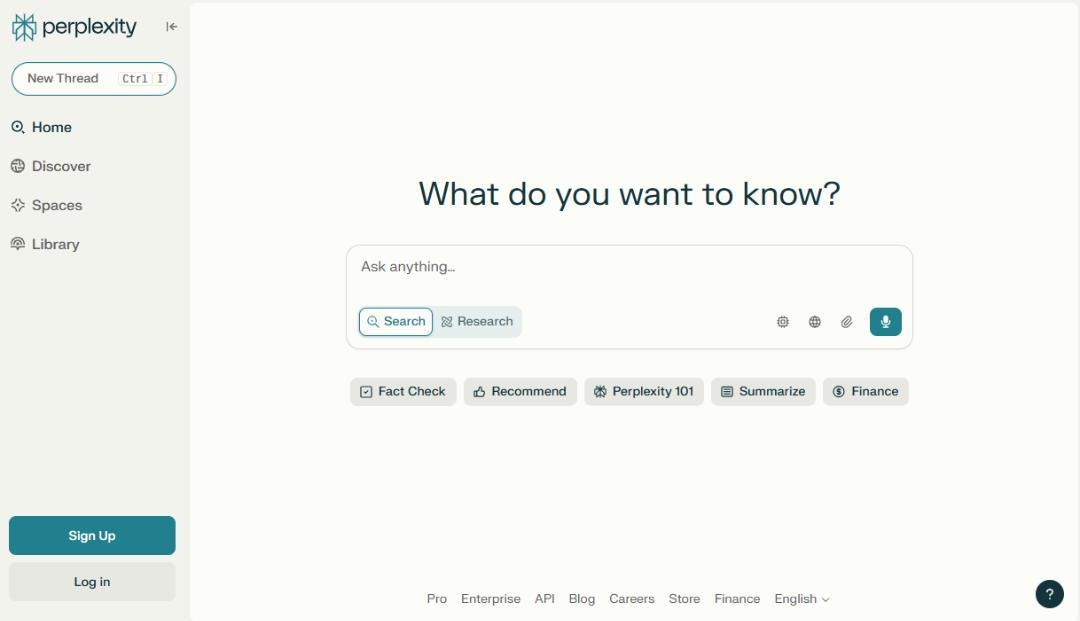
3. Perplexity AI – Best Research Tool
Unlike traditional search engines, Perplexity provides direct answers with citations.
Perfect for:
-Research
-Fact checking
-Learning
-Market analysis
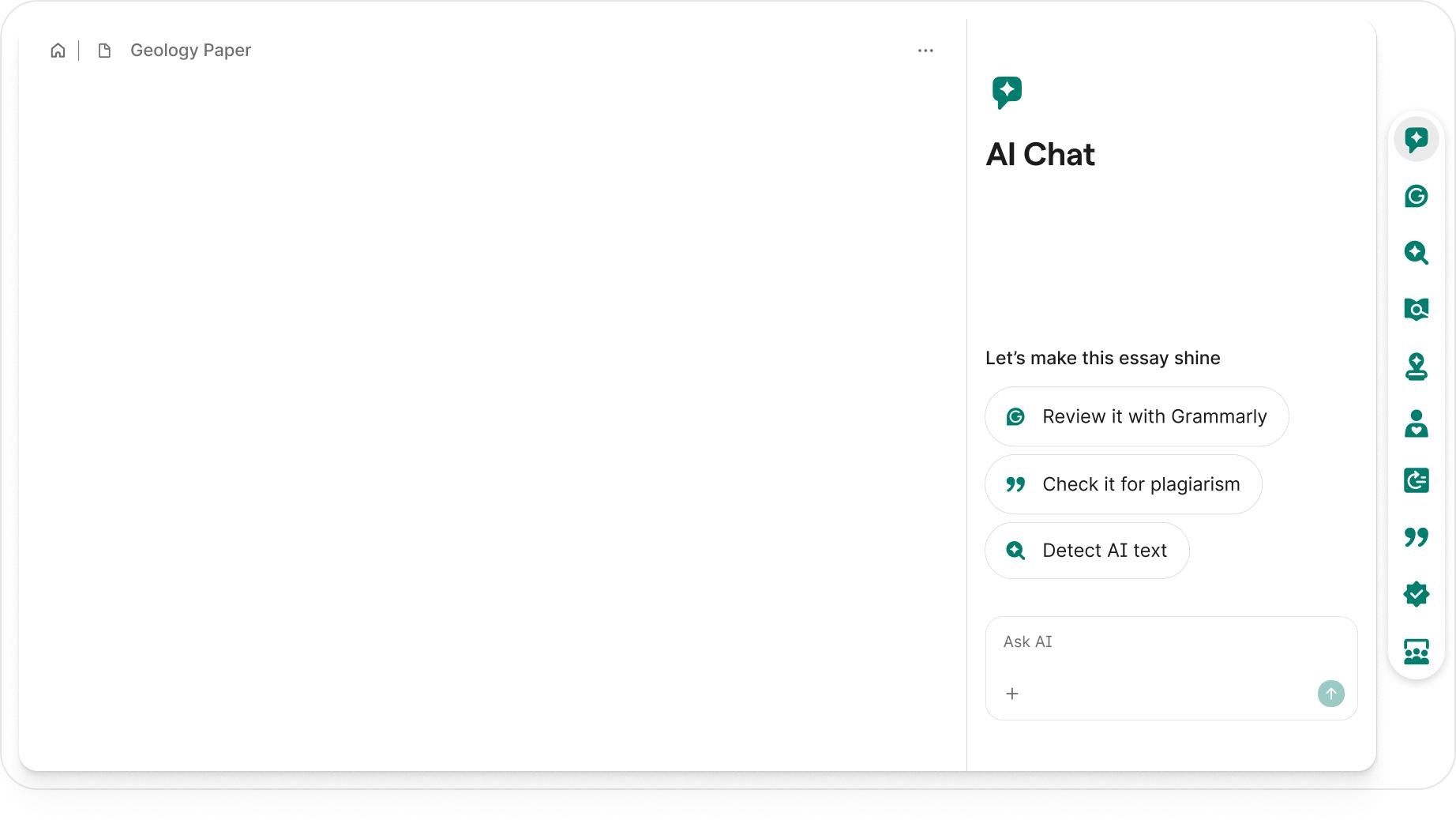
4. Grammarly – Best Writing Assistant
Grammarly now offers AI rewriting, tone adjustments, and content generation.
Great for:
-Emails
-Reports
-LinkedIn posts
-Business communication
5. Otter.ai – Best Meeting Notes
Otter automatically records meetings and creates searchable transcripts.
Excellent for:
Zoom
Google Meet
Microsoft Teams

6. Motion – Best AI Scheduler
Motion automatically prioritizes tasks and builds your calendar.
-Perfect for:
-Busy professionals
-Founders
-Freelancers
7. ClickUp AI – Best Project
Management AIClickUp combines project management with AI writing and task automation.
Useful for:
-Agencies
-Software teams
-Marketing teams
8. Microsoft Copilot
If your company already uses Microsoft 365, Copilot integrates directly with:
-Word
-Excel
-Outlook
-Teams
-PowerPoint
9. Google Gemini
Gemini integrates deeply with:
-Gmail
-Docs
-Sheets
-Drive Meet
Ideal for :Google Workspace users.
10. Zapier AI
Zapier AI lets you automate repetitive workflows without coding.
Examples: Save email attachments automatically
-Generate AI summaries
-Create CRM entries
-Automate social media workflows
Which Tool Should You Choose?
Choose ChatGPT if you want one AI assistant for almost everything.
Choose Perplexity if research is your priority.
Choose Notion AI if you manage lots of notes and documentation.
Choose Motion if scheduling consumes too much time.
Choose Zapier AI if you want to automate repetitive work.
Frequently Asked Questions
Which is the best AI productivity tool in 2026?
ChatGPT remains the most versatile choice because it supports writing, coding, brainstorming, research, and everyday productivity.
Which AI tool is best for students?
Notion AI and ChatGPT are excellent for note-taking, studying, and summarizing content.
Which AI tool is best for meetings?
Otter.ai is among the best for recording, transcribing, and summarizing meetings.
Can AI replace productivity software?
No. AI enhances existing productivity software rather than replacing it entirely.
Final Verdict
AI productivity tools are becoming essential rather than optional. The right combination of AI assistants can save hours every week, reduce repetitive work, and help you focus on high-value tasks.
If you only choose one tool, ChatGPT remains the best all-round AI productivity assistant. For specialized needs like research, scheduling, or workflow automation, combining two or three tools often delivers the best results.
AI Business Tools