

Best AI Coding Assistants in 2026:
Which One Should You Choose?
Artificial Intelligence is changing software development faster than ever before. Whether you're a beginner learning Python or a professional developer building enterprise applications, today's AI coding assistants can generate code, explain errors, refactor projects, and even write entire applications.But with tools like GitHub Copilot, Cursor, Claude Code, and Windsurf becoming increasingly powerful, choosing the right one isn't easy.In this guide, we'll compare the best AI coding assistants available in 2026 based on features, pricing, speed, and real-world usability.
What is an AI Coding Assistant?
An AI coding assistant uses large language models (LLMs) to help developers write code faster.These tools can: Generate code Explain existing code Debug errors Refactor projects Create documentation Write tests Convert one programming language into anotherInstead of searching Stack Overflow repeatedly, developers can simply ask the AI.
1. GitHub Copilot – Best Overall
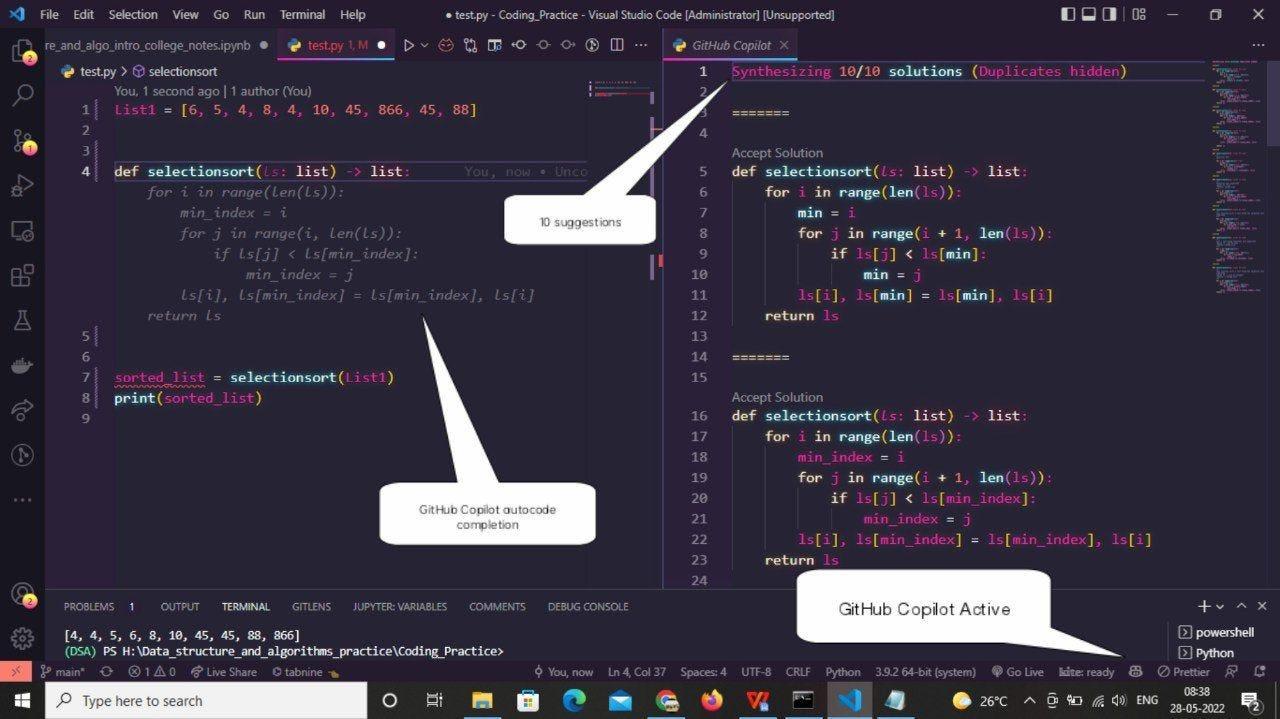
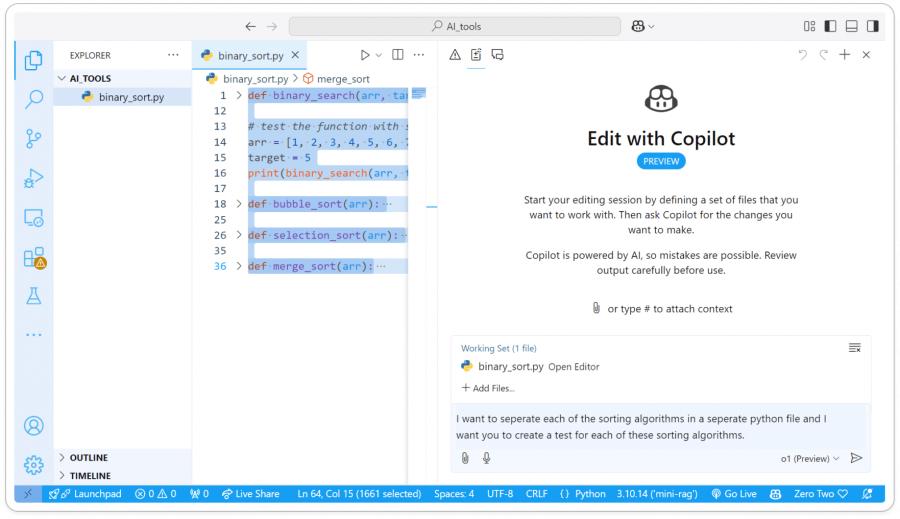
GitHub Copilot remains the industry standard.
Pros
Excellent autocomplete Supports dozens of languages VS Code integration Huge developer community Fast suggestions
Cons
Can become expensive Sometimes produces outdated code
Best For:
Professional developers
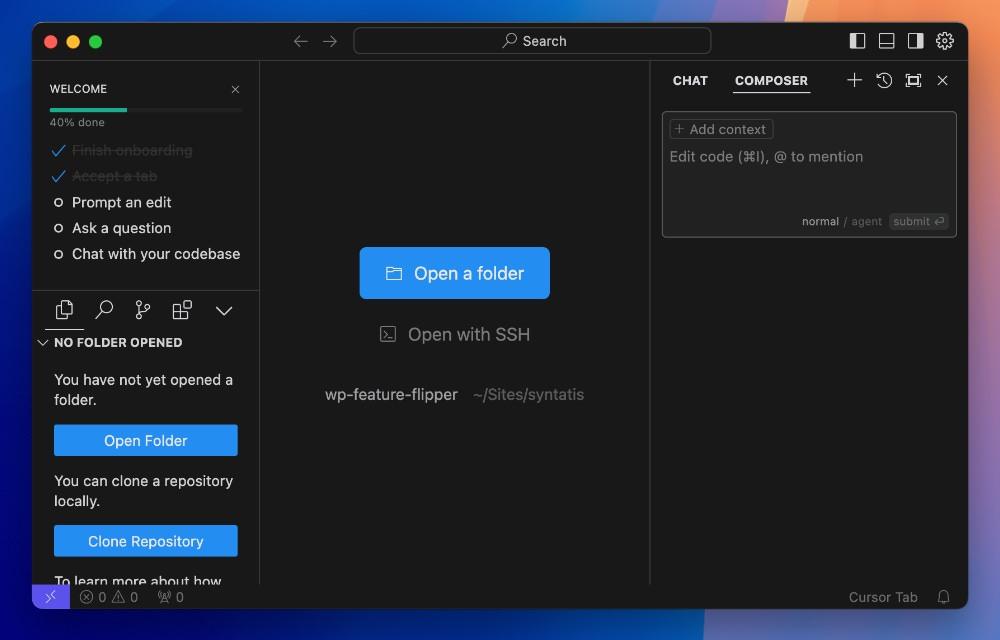
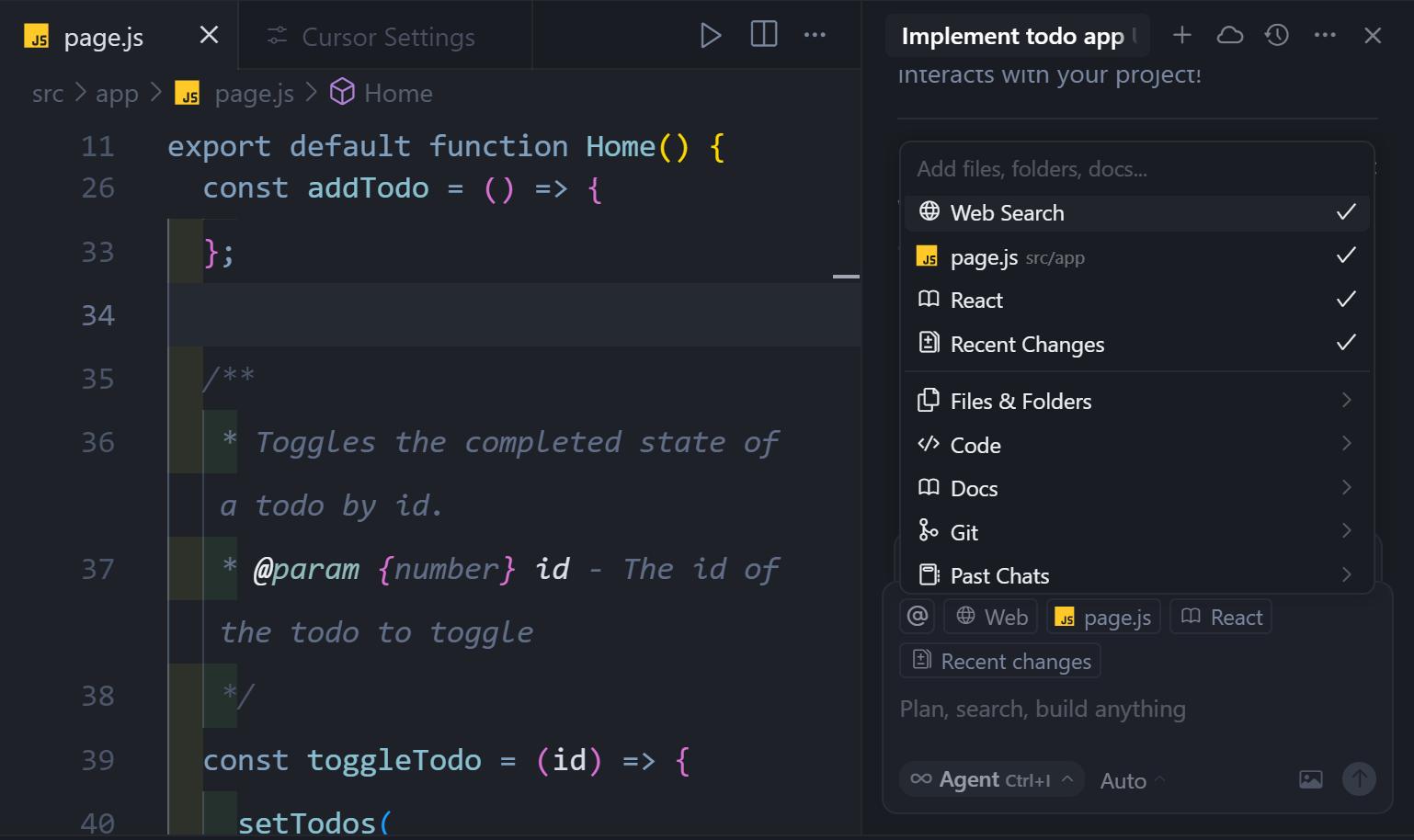
2. Cursor AI – Best AI IDE
Cursor isn't just an extension—it's a complete AI-powered code editor.
Features include: Edit entire files Understand large projects Chat with your codebase AI bug fixing Smart refactoring
Best For:
Developers working on large projects.
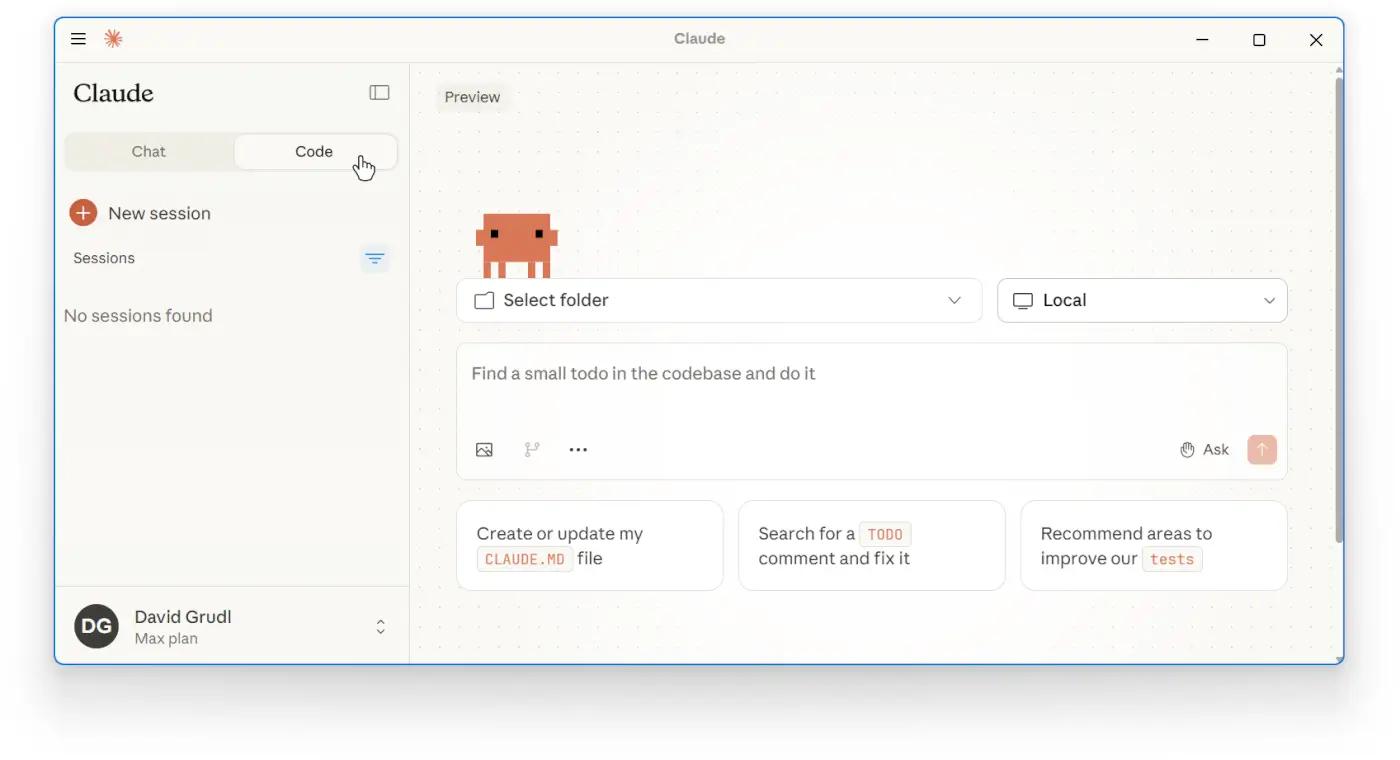
3. Claude Code – Best for Understanding Large Codebases
Claude Code excels at reasoning through complex code.
Advantages: Explains difficult logic Better long-context understanding Excellent documentation writing Great for debugging
Best For:
Backend developers and enterprise teams.
4. Windsurf – Best New AI Coding Tool
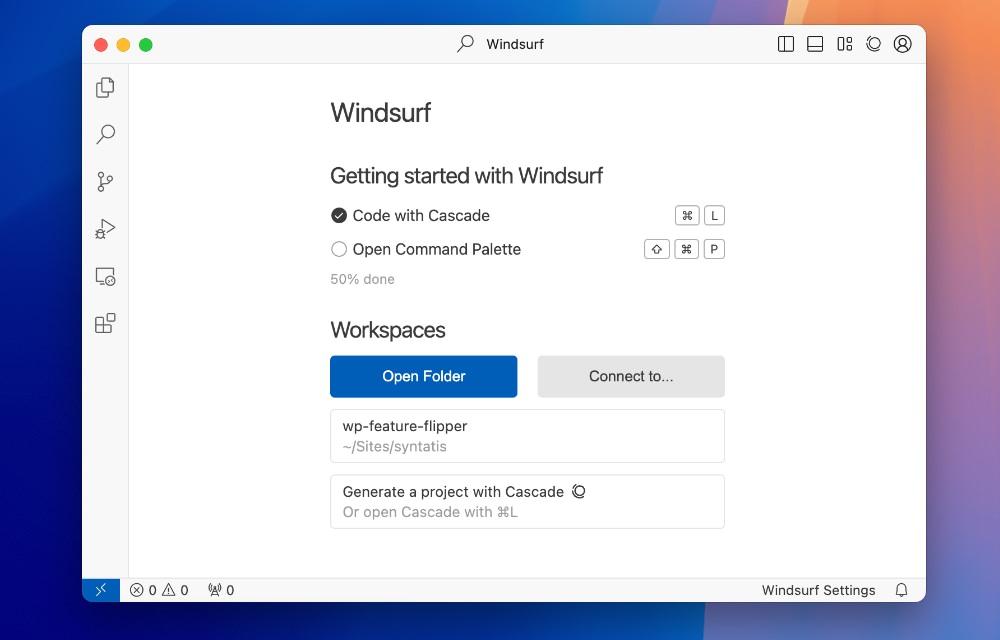
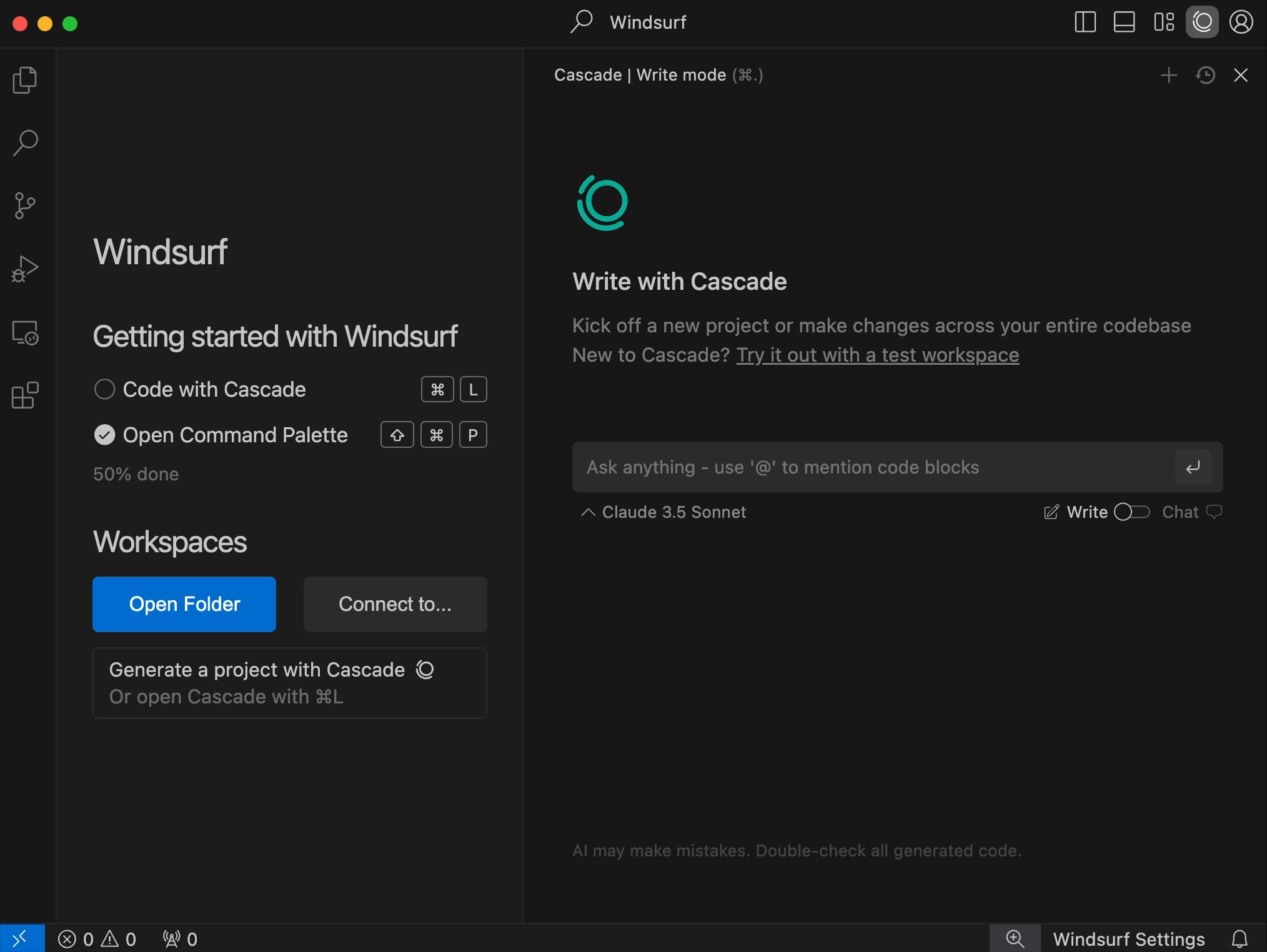
Windsurf has quickly become one of the fastest-growing AI IDEs.
Highlights: Fast AI edits Whole-project understanding Built-in chat Excellent UI Great value
Best For:
Developers switching from VS Code.

Which AI Coding Assistant is Best?
Which AI Coding Assistant is Best?
Choose:GitHub Copilot
if you want the most reliable assistant.
Choose:Cursor
if you want the smartest coding IDE.
Choose :Claude Code
if you work with massive projects.
Choose Windsurf
if you want the newest AI-first experience.
Final Verdict
AI coding assistants are no longer just autocomplete tools—they're becoming true programming partners.
For most developers:
GitHub Copilot – Best overall
Cursor – Best IDE
Claude Code – Best reasoning
Windsurf – Best emerging tool
No matter your experience level, using an AI coding assistant can dramatically increase productivity and reduce debugging time.
FAQ
Which AI coding assistant is best for beginners?
GitHub Copilot is the easiest to learn and integrates with popular editors.
Is Cursor better than GitHub Copilot?
Cursor offers deeper project awareness, while Copilot excels at fast inline suggestions.
Can AI replace programmers?
No. AI speeds up development but still requires human judgment, architecture decisions, and testing.
Which coding assistant is free?
Cursor and Windsurf offer generous free plans, while GitHub Copilot and Claude Code have limited free access.
Best AI Image Generators