

Can One AI Assistant Replace Google Search and Your Daily Apps? The Results Surprised Me.
Day 0: The Challenge
Every morning, I use the same apps.
-Google Search.
-Google Keep.
-Grammarly.
-Canva.
-Calculator.
-Notes.
-Translator.
-PowerPoint.
-Calendar.
-Email.
-Then a thought crossed my mind.
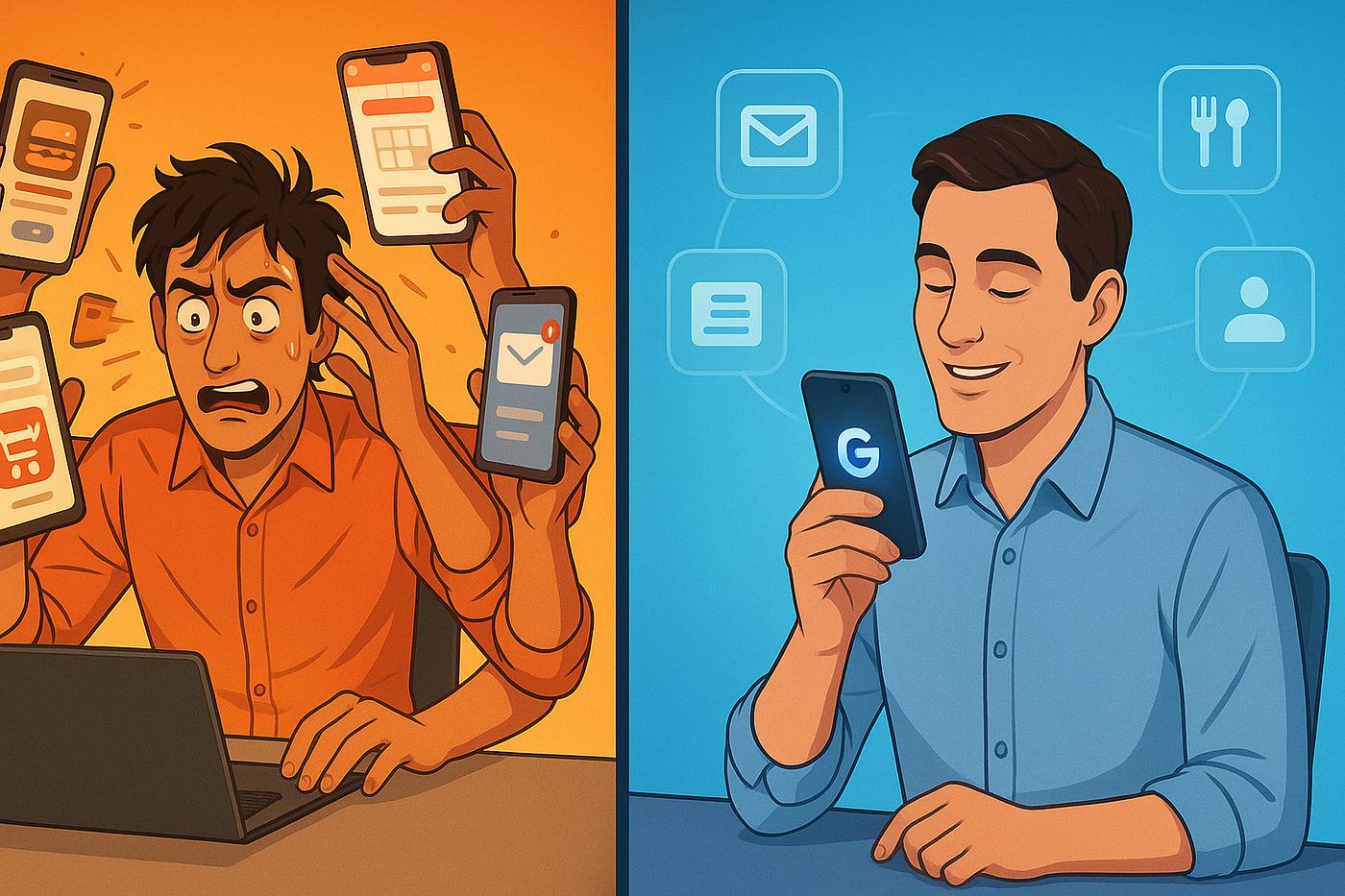
What if one AI assistant could replace all of them?
-Not forever.
Just for one week.
-No shortcuts.
-No cheating.
Whenever I needed an app, I had to ask AI first.
Sometimes it worked brilliantly.
Other times...I wished I had never started this challenge.
The Rules
or seven days:
-No Google Search unless AI failed.
-No grammar apps.
-No translation apps.
-No note-taking apps.
-No brainstorming apps.
-AI had to become my digital assistant.
Day 1 – Search
Normally I Google everything.
This time I asked AI.
Instead of opening ten websites,
AI summarized everything in seconds.
Verdict:
A huge time saver. ⭐⭐⭐⭐⭐
Day 2 – Writing
Emails.
Reports.
WhatsApp replies.
LinkedIn posts.
Everything started with AI.
The surprising part wasn't the writing quality.
It was how much faster I could think
Instead of worrying about wording...I focused on ideas.
Verdict: ⭐⭐⭐⭐⭐
Day 3 – Notes
I usually use Google Keep.
Instead...AI summarized meetings
.Created action items
.Even suggested priorities.
VerdictI usually use Google Keep.Instead...AI summarized meetings.Created action items.Even suggested priorities.Verdict☆Almost perfect.I usually use Google Keep.Instead...AI summarized meetings. Created action items.Even suggested priorities.
Verdict⭐⭐⭐⭐
.
Almost perfect.
Mistake #6 – Ignoring Privacy
Can AI replace Canva?
Not completely.
It generated ideas.
Color palettes.
Layouts.
But final editing still needed design software.
Verdict⭐⭐⭐☆☆
AI assists.It doesn't fully replace.
Day 5 – Translation
Instead of using Google Translate..
I asked AI.
The translations sounded much more natural.
Especially for emails.
Verdict⭐⭐⭐⭐⭐
Day 6 – Coding
AI generated code..
-Explained bugs.
-Optimized logic.
-Even suggested improvements.
-As a coding assistant?
-Outstanding.
Verdict :⭐⭐⭐⭐⭐
Biggest Lesson
People ask
,"Can AI replace apps?
"The better question is:
"Can AI reduce the number of apps I need?"
For me...
The answer was yes.
Where AI Still Falls Short
AI isn't perfect.
You still need dedicated apps for:
-Video editing
-Advanced graphic design
-Banking
-Maps
-Professional accounting
-Complex spreadsheets
AI complements these tools it doesn't replace them.
My AI Workflow Today
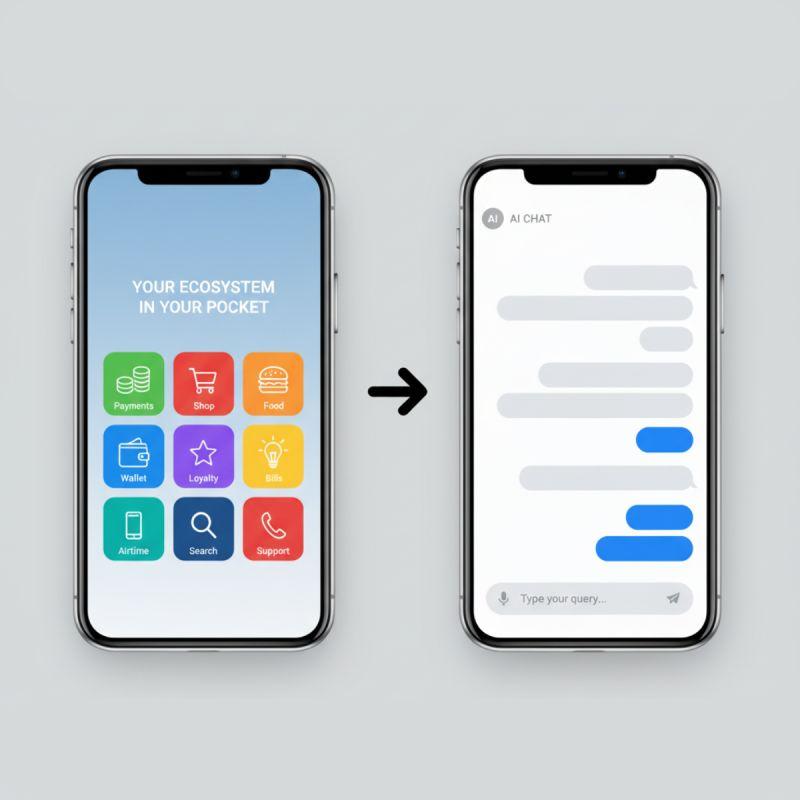
Instead of using 12 apps..
.I now use:
📌 ChatGPT
📌 Claude
📌 Gemini
And only open specialized apps when necessary.
Docodealz Tip
The biggest productivity boost isn't using more AI.
It's opening fewer apps.
Every time you avoid switching between tools,
you save mental energy and maintain focus.
Final Thoughts
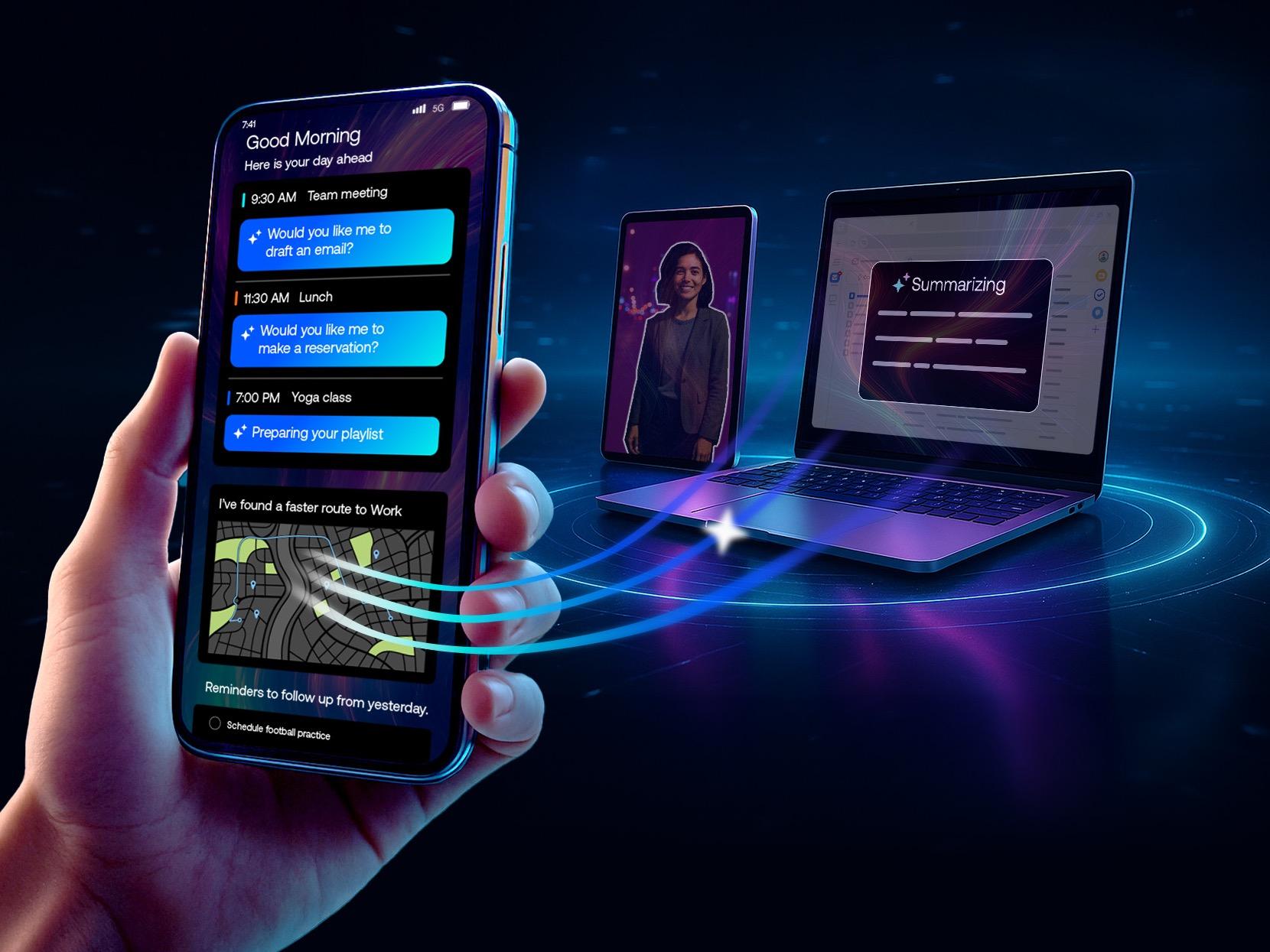
AI isn't trying to replace every app on your phone.
It's trying to become the intelligent layer that connects them.
After seven days, I didn't delete all my apps but I stopped opening many of them as often.
That's where AI made the biggest difference.
The future isn't about replacing software.
It's about simplifying the way we work.
Frequently Asked Questions
Can AI replace Google Search?
For many everyday questions, yes. For specialized or time-sensitive information, it's still useful to verify with reliable sources.
Which AI assistant works best as an all-in-one helper?
ChatGPT, Claude, and Gemini all perform well, but each has different strengths depending on the task.
Should I uninstall my productivity apps?
No. AI works best alongside specialized apps rather than replacing every tool completely.
Docodealz was created to help people discover the best AI tools, software, online deals, digital resources, and educational content in one place. Our goal is to simplify technology and help individuals, students, professionals, creators, and businesses make informed decisions through reliable guides, reviews, comparisons, and curated recommendations.
Click and read Articles:
>>Best AI Productivity Tools
>>ChatGPT vs Claude vs Gemini
>>10 AI Mistakes That Are Wasting Your Time
>>How AI Improves Productivity
>>Best AI Tools for Students