

Most office employees do not need AI to completely transform their jobs.
They need it to remove the annoying parts.
The email you rewrite three times.
The 30-page report you only need five points from.
The meeting where nobody remembers who agreed to do what.
The presentation that takes two hours to structure before you even begin designing it.
The spreadsheet you stare at because you cannot remember the right formula.
These are exactly the kinds of everyday problems where AI can be useful.
You do not need complicated automation software or advanced technical knowledge.
For many tasks, all you need is:
Your context + a clear instruction + a few minutes of review.
Here are 12 practical ways to use AI for office work, along with prompts you can copy and modify immediately.
1. Turn Messy Notes Into a Professional Email
You already know what you need to communicate.
The frustrating part is making it sound clear and professional.
Instead of spending ten minutes rewriting an email, paste your rough notes into an AI assistant.
Example
Your rough notes:
client hasn't approved creative yet. launch is monday.
if not approved by tomorrow there might be delay. ask politely.
Copy-Paste Prompt
-Turn these rough notes into a concise professional email.
-Keep the tone polite but clear.
-Mention the risk without sounding threatening.
-End with one specific action required from the recipient.
-Keep it under 120 words.
Notes: [paste your notes]
What AI should give you
-A structured email containing:
-Context
-Current status
-Potential impact
-Required action
-Deadline
Human check
-Before sending, verify:
-Names
-Dates
-Prices
-Commitments
-Attachments
Never let AI invent business facts.
2. Summarise a Long Email Thread
Some office email threads feel like archaeological expeditions.
There are 26 replies, four people discussing different problems and somewhere in the middle someone made an important decision.
Instead of rereading everything, paste the thread into AI.
Copy-Paste Prompt:
Summarise this email thread under the following headings:
-Current situation
-Decisions already made
-Open questions
-Action items
-Person responsible for each action
-Deadlines mentioned
-Do not invent anything that is not explicitly stated.
This last line is important.
AI is far more useful when you specifically tell it not to fill in missing information.
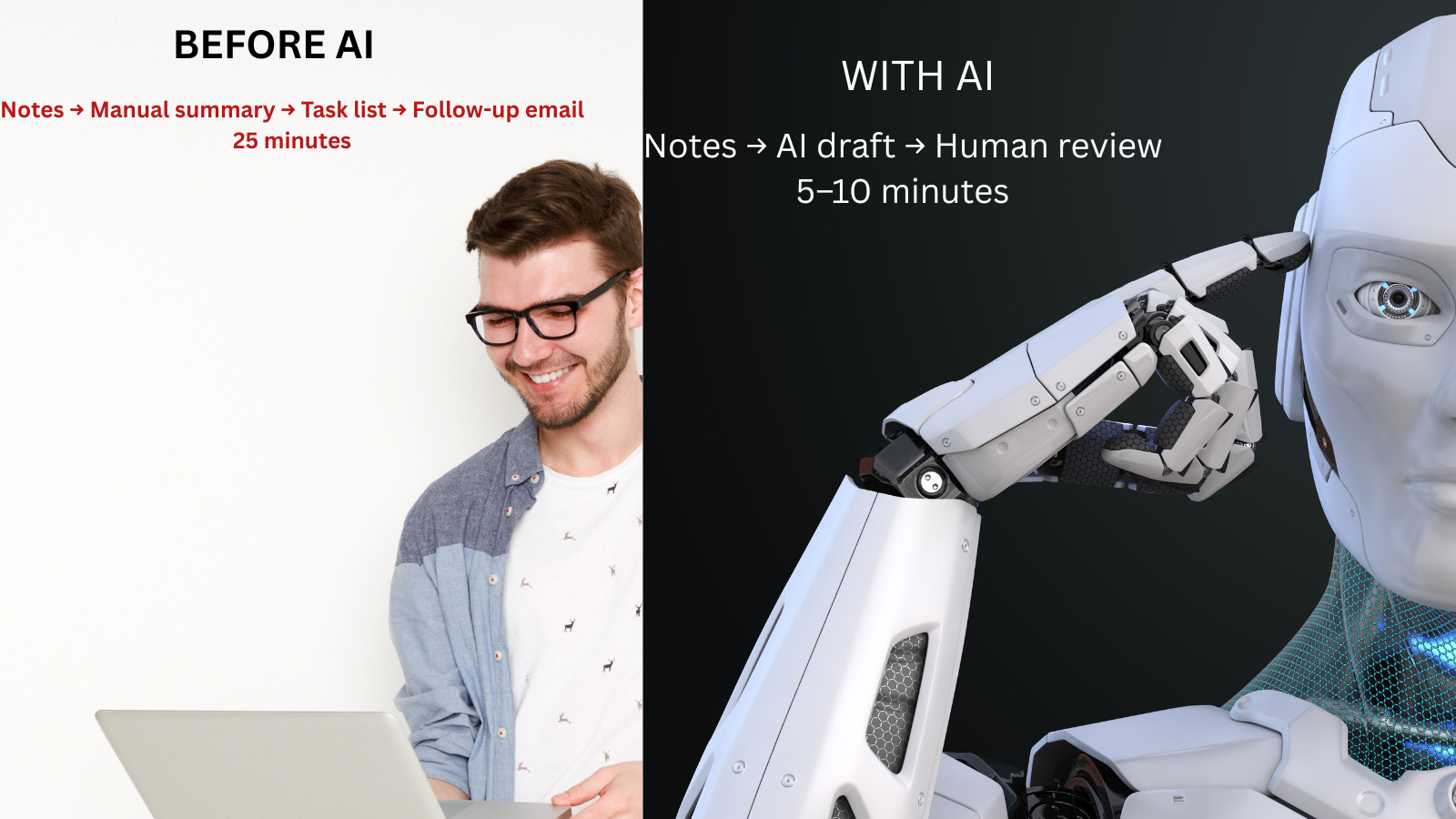
3. Prepare for a Meeting in Five Minutes
Many meetings go badly because people enter them without deciding what they actually need from the conversation.
Before your meeting, paste the relevant notes, emails or project status.
Copy-Paste Prompt
I have a meeting about the following project.[paste context]Prepare a 5-minute meeting brief containing:
-Current status
-Three most important issues
-Decisions I need from the meeting
-Questions I should ask
-Risks I should be prepared to discuss
-A suggested opening statement
Now you walk into the meeting with a structure instead of mentally reconstructing the project while everyone is already talking.
4. Convert Meeting Notes Into Action Items
Meeting notes often look useful until two days later.
Then you realise they contain statements such as:
-Need to check with finance.
-Who needs to check?
-By when?
-What happens afterward?
-AI can turn unstructured notes into an execution list.
Copy-Paste Prompt
Convert these meeting notes into an action tracker.
Create a table with:
-Action
-Owner
-Deadline
-Dependency
-Status
If an owner or deadline was not mentioned, write “Not specified.” Do not guess.
Notes: [paste notes]
Better follow-up
Then ask:
Write a short meeting summary I can send to participants. Include only decisions and action items.
You have now turned raw discussion into something people can actually use.
5. Create the First Structure of a Presentation
A blank PowerPoint slide can consume an unreasonable amount of time.
The problem is often not design.
It is deciding what the story should be.
Give AI the objective first.
Copy-Paste Prompt
Create a 10-slide presentation structure for:
Topic: [topic]
Audience: [senior management/client/team]
Objective: [what you want them to decide or understand]
For each slide, provide:
-Slide title
-One key message
-Maximum three supporting points
-Recommended visual or chart
Make the presentation tell a logical story rather than simply listing information.
Even better
After you get the structure, ask:
Assume you are the senior leader receiving this presentation. Which slides feel unnecessary, repetitive or weak?AI becomes much more valuable when you ask it to criticise its own first answer.
6. Turn a 30-Page Report Into What Actually Matters
Most corporate employees do not need every sentence of every report.
They often need:
-What changed?
-Why does it matter?
-What should we do?
Upload or paste the material where appropriate.
Copy-Paste Prompt
Summarise this document for a busy manager who has three minutes.
Give me:
-Five most important findings
-Three numbers worth remembering
-Two risks
-Two opportunities
-Recommended next actions
Mention the page or section where each important claim appears when possible.
One useful trick
Then ask:
What important information might be lost because of this summary?That helps prevent oversimplification.
7. Make Excel Less Painful
You do not have to memorise every Excel formula.
Describe what you want the spreadsheet to do.
Example
You have:
-Revenue in column D
-Target in column E
-Need achievement percentage in F
Copy-Paste Prompt:
I am using Excel. Revenue is in column D and target is in column E.
Give me a formula for column F that calculates achievement percentage.
If target is zero, return 0 instead of an error.
Explain the formula in simple language.
You can use the same approach for:
-XLOOKUP
-IF statements
-Date calculations
--Conditional logic
-Cleaning text
-Combining fields
-Percentage calculations
-Important
Do not upload confidential company spreadsheets to an external AI tool unless your organisation allows it.
Instead, explain the structure using dummy data when necessary.
Suppose you have monthly numbers:
Instead of only asking AI to “analyse this,” tell it what kind of insight you need.
Copy-Paste Prompt
Analyse this table as a business analyst.
Identify:
-Biggest positive movement
-Biggest concern
-Any unusual pattern
-Which metric deserves investigation
-Three questions I should ask the team
Do not simply repeat the numbers.
Tell me what the numbers may imply.
That final instruction turns a basic summary into useful interpretation.
9. Write Better Performance Updates
A common workplace mistake is sending enormous updates because we think more information looks more professional.
Senior managers often want the opposite.
Use this structure
Result → Reason → Risk → Next step
Copy-Paste Prompt
Rewrite this project update for a senior leader.
Use the structure:
Result
Reason
Risk
Next step
Keep it under 120 words.
Do not use corporate jargon.
Draft: [paste update]For example, instead of:
We have been working closely with all stakeholders and several discussions have happened around the upcoming launch...
AI can help turn it into:
Launch preparation is 90% complete. Final approval is pending from Legal. If approval slips beyond Thursday, Monday's launch may move by one day.
The team is following up today and will confirm the final timeline by 4 PM Thursday.
Much better.
10. Prepare for a Difficult Conversation
AI can also help when the difficult part is not analysis, but how to say something.
Suppose you need to tell a colleague that work quality is repeatedly below expectations.
Copy-Paste Prompt
Help me prepare for a professional conversation with a colleague.
Situation: [describe situation]My objective is to solve the issue without making the conversation unnecessarily confrontational.
Give me:
A respectful opening
Three factual points I should focus on
Questions I should ask
Phrases I should avoid
A clear way to agree on next steps
AI should help you structure the conversation not manipulate the person.
Keep the final words natural and genuinely yours.
11. Build a Better Daily Work Plan
Most people create a to-do list.The problem is that everything on the list appears equally important.
Give AI the actual constraints.
Copy-Paste Prompt
Organise my workday from 9:30 AM to 6:30 PM.
Tasks:[paste tasks]Meetings:[paste meetings]Priorities:[paste priorities]
Create a realistic schedule.
Include:One 90-minute deep-work block
Lunch
Two short breaks
30 minutes for unexpected work
Do not schedule more than 90 minutes of focused work continuously.
Then update it
At 2 PM:
My 3 PM meeting has moved to 4:30 PM.
Replan the rest of my day without changing my top priority.
Now AI becomes a lightweight scheduling assistant.
12. Turn Repetitive Work Into a Reusable Template
This may be the most valuable AI habit of all.
Whenever you find yourself doing the same work for the third time, stop.
Ask:
Can this become a template?
Examples:
-Weekly client update
-Meeting summary
-Campaign brief
-Performance report
-Project kickoff document
-Monthly business review
-Interview feedback
-Vendor comparison
Copy-Paste Prompt
I complete this task every week:[describe task]Design a reusable template that reduces the amount of information I need to enter manually.
Separate:
-Fixed information
-Variables
-I need to update
-Questions I should answer
-Final output format
Make the workflow simple enough to repeat every week.
Now AI is not simply helping you complete one task.
It is helping you redesign the task.
That is where productivity gains begin to compound.
The 10-Minute AI Rule
Here is a useful habit for corporate employees:
Whenever a repetitive task will take more than ten minutes, ask yourself:
Can AI complete the first 50–80% of this?
Not the final 100%.
-The first draft.
-The structure.
-The summary.
-The calculation.
-The organisation.
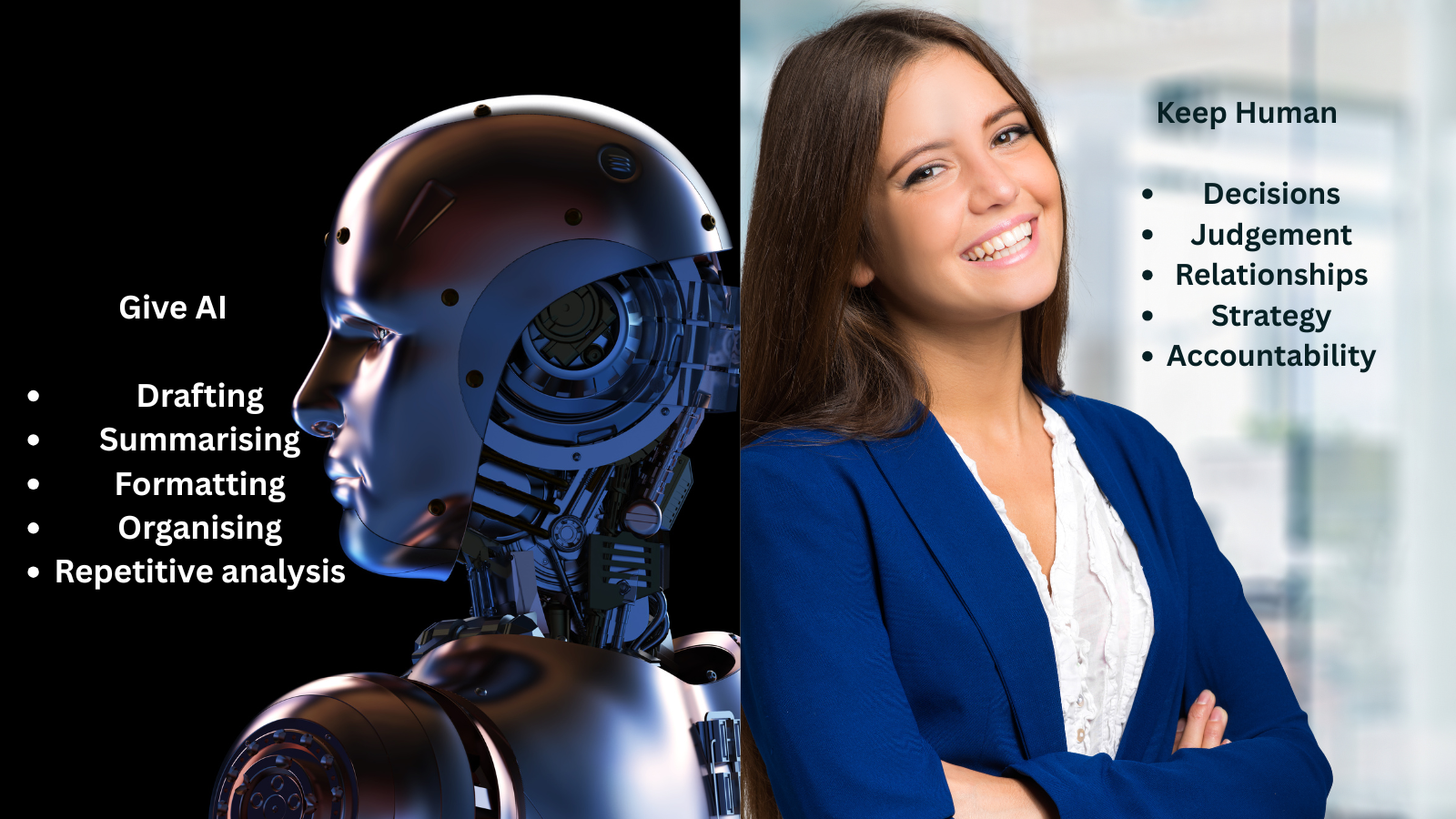
You still provide judgement.
That distinction matters.
The Wrong Way to Use AI at Work
AI can actually make people less productive when used badly.
Asking vague questions
Bad:
Improve this.
Better:
Rewrite this for a senior client.
Keep it under 100 words and make the requested action obvious.
Copying the first answer
Treat the first result as Version 1, not the finished work.
Making every email sound robotic
If your normal message is:
Hey Rahul, can you check this?Do not send:
Dear Rahul, I sincerely hope this correspondence finds you in excellent spirits.
AI should improve your communication not erase your personality.
Using confidential information carelessly
Follow your organisation's AI and data policies.
Using AI instead of thinking
The objective is not to stop thinking.
It is to spend less time on work that does not require much thinking.
A Practical AI Workflow for Corporate Employees
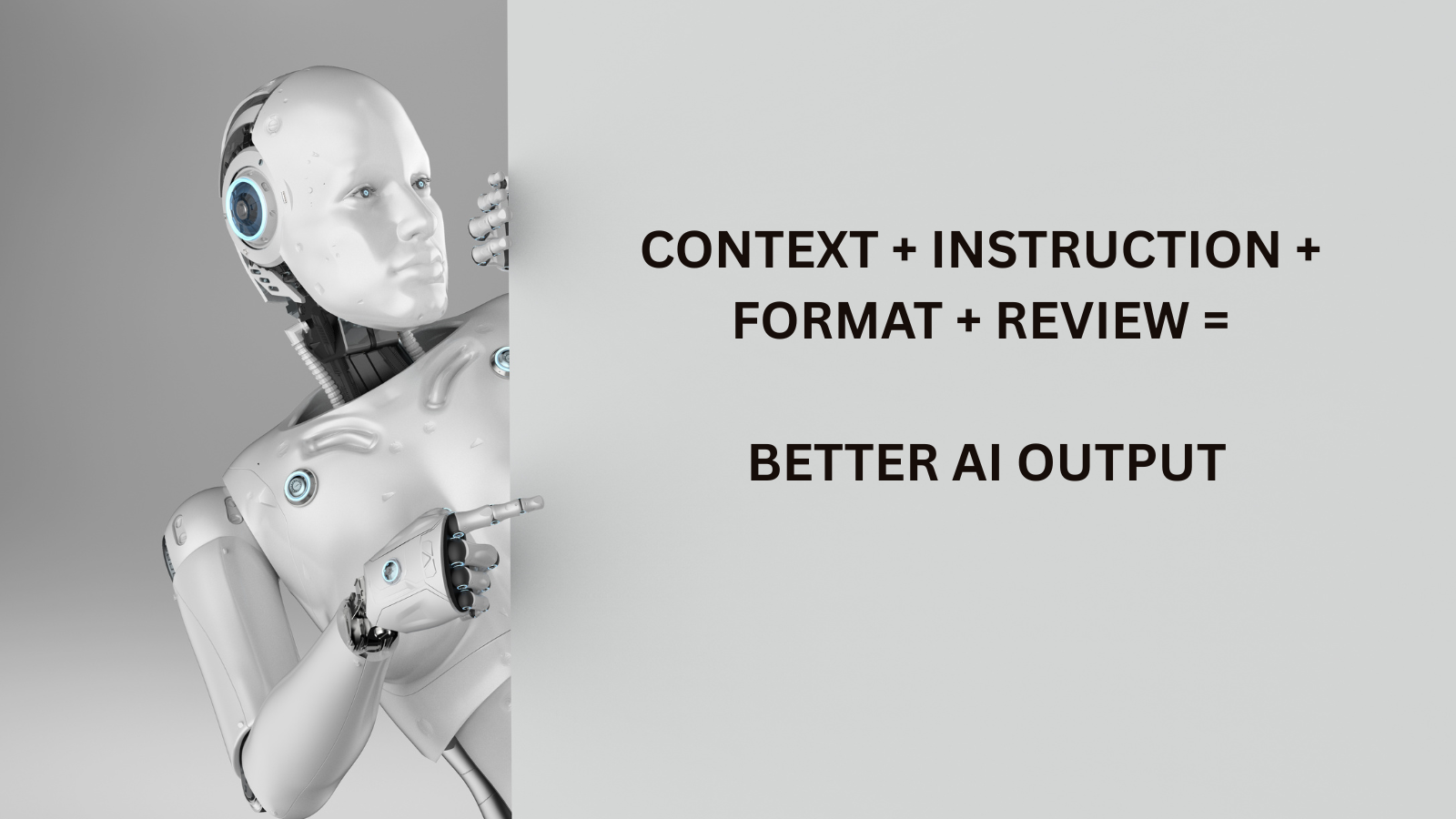
You can remember this simple framework:
1. INPUT
Give AI the necessary context.
2. INSTRUCTION
Explain exactly what you want.
3. FORMAT
Specify how you want the answer presented.
4. REVIEW
Check facts and judgement.
5. REFINE
Ask for a better version.
For example:
Here is my client update [INPUT].
Rewrite it for a senior stakeholder [INSTRUCTION].
Use five bullet points [FORMAT].
Highlight anything that appears unclear [REVIEW].
Then create a shorter WhatsApp version [REFINE].
That is far more powerful than simply typing:
Rewrite this.
-Five AI Prompts Worth Saving
-The Executive Summary Prompt
-Explain this to a senior leader who has two minutes.
-Give me the situation, implication, risk and required action.
The Devil's Advocate Prompt
-Challenge this plan.
-Identify five reasons it could fail and suggest how I can reduce each risk.
The Simplification Prompt
-Explain this in plain English without jargon.
-Assume the reader has no specialist knowledge.
The Prioritisation Prompt
-Rank these tasks by business impact and urgency.
-Explain why the top three deserve priority.
The Quality-Control Prompt
-Review this as a critical editor.
-Identify unclear claims, unnecessary wording, contradictions and missing information.
Do not rewrite it yet. These five prompts alone can improve a surprising amount of office work.
Where AI Should NOT Make the Final Decision
Keep a human firmly involved when the task involves:
-Hiring or firing
-Legal decisions
-Major financial approvals
-Employee performance judgements
-Sensitive customer complaints
-Confidential company information
-Medical decisions
-High-impact negotiations
AI can help organise information.
Accountability should remain human.
Try This Tomorrow Morning
You do not need to adopt all 12 ideas.
Tomorrow, choose one task you normally dislike.
Maybe it is:
Writing a status email
Summarising a meeting
Building a presentation outline
Analysing a report
Preparing your day
Time yourself doing it normally.
The next time, use AI.
Compare:
Time saved + quality achieved + corrections required.
If it genuinely makes the task easier, keep the workflow.
If not, discard it.
AI productivity should be measurable not just fashionable.
Final Thoughts
The biggest workplace advantage from AI may not come from knowing the newest tool.
It may come from noticing:
“I have done this same boring task five times. There must be a better way.”That mindset is more valuable than memorising hundreds of AI applications.
Use AI for the repetitive first draft.
Use yourself for the judgement, relationships, creativity and decisions.
The goal is not to work like a machine.
The goal is to stop spending human time on machine-like work.
Explore:
ChatGPT –Claude – Gemini
Frequently Asked Questions
What is the best way to use AI for office work?
Start with repetitive tasks such as drafting emails, summarising documents, structuring presentations, preparing meetings and organising information.
Review every important output before using it professionally.
Can I use AI to write professional emails?
Yes. Give AI your rough notes, recipient context, desired tone and word limit. Always verify names, dates and commitments before sending.
Can AI help with Excel?
AI can explain and generate spreadsheet formulas when you describe the structure and desired result.
Test formulas with sample data before applying them to important spreadsheets.
Is it safe to upload work documents to AI?
It depends on your organisation's policies and the AI service being used.
Avoid uploading confidential or sensitive business information unless the platform has been approved for that use.
Will using AI make employees lazy?
It depends on how it is used. Using AI to remove repetitive work can create more time for analysis, creativity and decision-making. Using it to avoid thinking altogether can reduce work quality.
Which AI tool should beginners use for office work?
A general-purpose conversational AI assistant is usually enough to start. Learn how to give clear context and instructions before adding multiple specialised tools.
improve your work performance → practical ways to use
>>AI meeting assistants
>>AI presentation makers
>>AI productivity tools
>>Build your first website by AI